

Related Posts




Visual Storyteller

What's the purpose of this group?

Anonymous User
Visual Storyteller

Chief
Additional Posts in Excel Genius

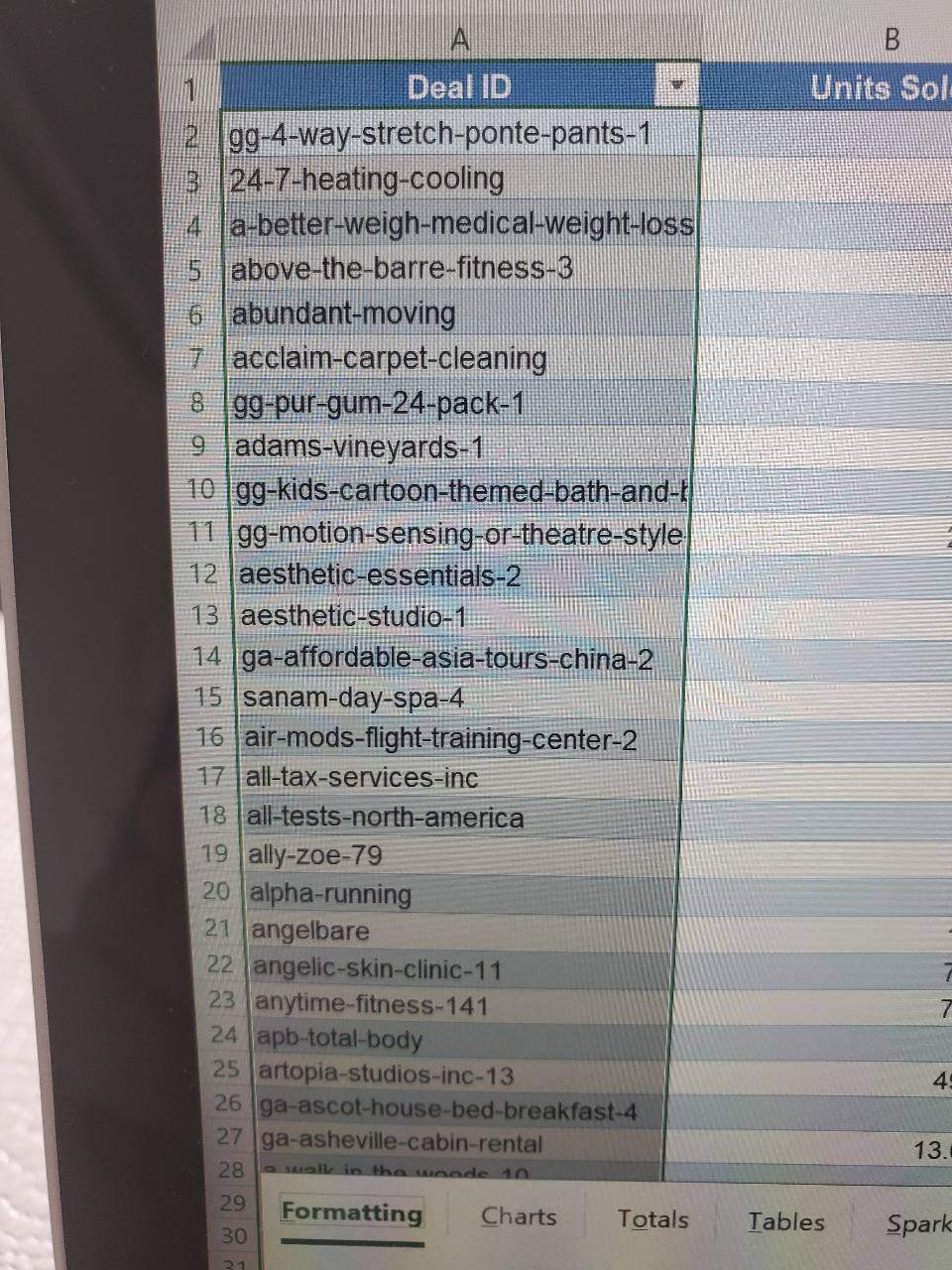
Still don't have xlookup. #fomo


Coach
New to Fishbowl?
Download the Fishbowl app to
unlock all discussions on Fishbowl.
unlock all discussions on Fishbowl.


Not sure I follow. Could you clarify if the part description is unique to each row or is it for more of a ‘complete sentence’ of a value in the cell that’s same for all?
I’m no excel whiz, but sometimes I’ll play with the slicing - Part name, Part number, Sum of Spend. Then sort on spend.
Also I find the classic pivot table layout in options easier to manipulate. You have to enable it.
Good luck!
Part description
Part number. Sum of spend
I think that’s the format you’re looking for.
Make sure all of your rows are added before you sort. Adding a new row makes the table more detailed and your sort is no longer applicable.
You may be able to use the filter for the part no or description. That seems to keep the sort in place as changes are selected.
Subject Expert
Tip 1: Do not use pivot tables
You've just come across one (of many) way to break a pivot table. 😤
Regardless of it, to your question:
- If you added a new row in the source of the pivot table, just regenerate (create a new) pivot table*
- If you added a new row below the pivot table itself, please don't do that - just go back and add in the data source
* If you try to change the data source instead of creating a new one, your table will most likely collapse. Feel free to try it, but I don't think it will work.