
What should I use to set up dual monitors?



Hi..Need likes for DM activation.
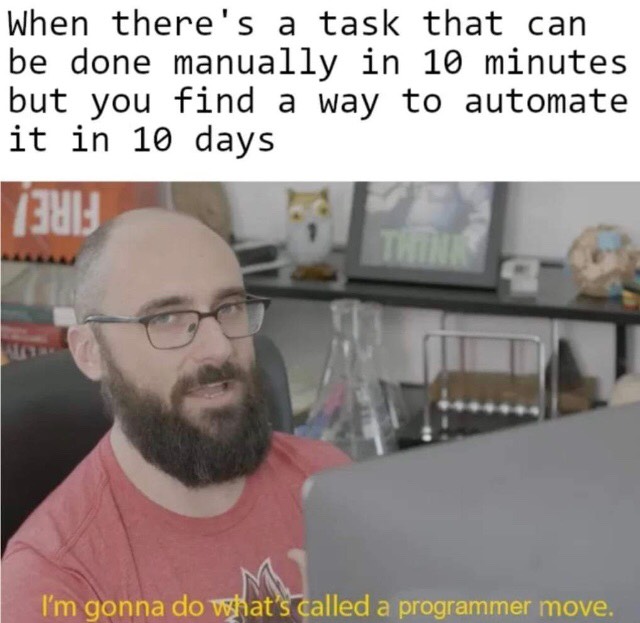
Billing hours to client be like...


how can i get hearts on this

Conversation Starter
This site is protected by reCAPTCHA and the Google Privacy Policy and Terms of Service apply.
Download the Fishbowl app to unlock all discussions on Fishbowl.
Copy and paste embed code on your site

Scan your QR code to download
Fishbowl app on your mobile




Amazon basics makes a dual monitor arm, but it sucks. Get two separate single monitor arms. My full WFH setup is autonomous standing desk, dual 27" monitors from work, two Amazon basics monitor arms, Microsoft ergonomic keyboard, gel mousepad, and razer vertical mouse.
Display port. All docking stations have two display port inputs
SM approval.
You mean fort cables. The easiest way us to feed one from hdmi and one from VGA
Elitebook 840 g6
Don’t use VGA. Get a hub that connects via USB-C - that should give you an extra HDMI but you’ll need one that can pass through charging.
I have a USB port on my HP, you are saying that j can use that as a video out?
I bought this recently. Excellent.
TOTU USB-C 4K@60Hz Triple Display Docking Station with Charging Support for Windows USB C Thunderbolt 3 Systems (2 HDMI,DP,6 USB Ports, 60W USB PD),NOT for macOS Extended Display https://www.amazon.com/dp/B07Z53139N/ref=cm_sw_r_sms_apa_i_.f3IEb1CZ73BB
Thanks!
Continued - I have two HDMI input monitors, and one hp elitebook with an HDMI output.
USB-C can, with an adapter (see example below). Normal USB cannot. VGA is also an option but you’d need an adapter from likely either USB-C or DisplayPort.
The right answer depends on which ports your computer has.
https://www.amazon.com/dp/B01K7C53K2/ref=cm_sw_r_cp_api_i_11YIEbADX3WSR
I have an Asus plug in monitor that has a converter for USB A to C. I use when on the go. If you have USB C look for a docking solution with both VGA and HD I - sorted.
HP sells docks for the Elitebook series. Depending on the generation it’ll either be a legit dock or a usb-c “dongle” dock. On some gens both are supported. That’ll give you the necessary outputs for two monitors
I found a USB c input to dual HDMI output that works. Thanks!