

Related Posts


Anyone else have issues with Virtue?



Coach
Additional Posts in Excel Genius


Visual Storyteller
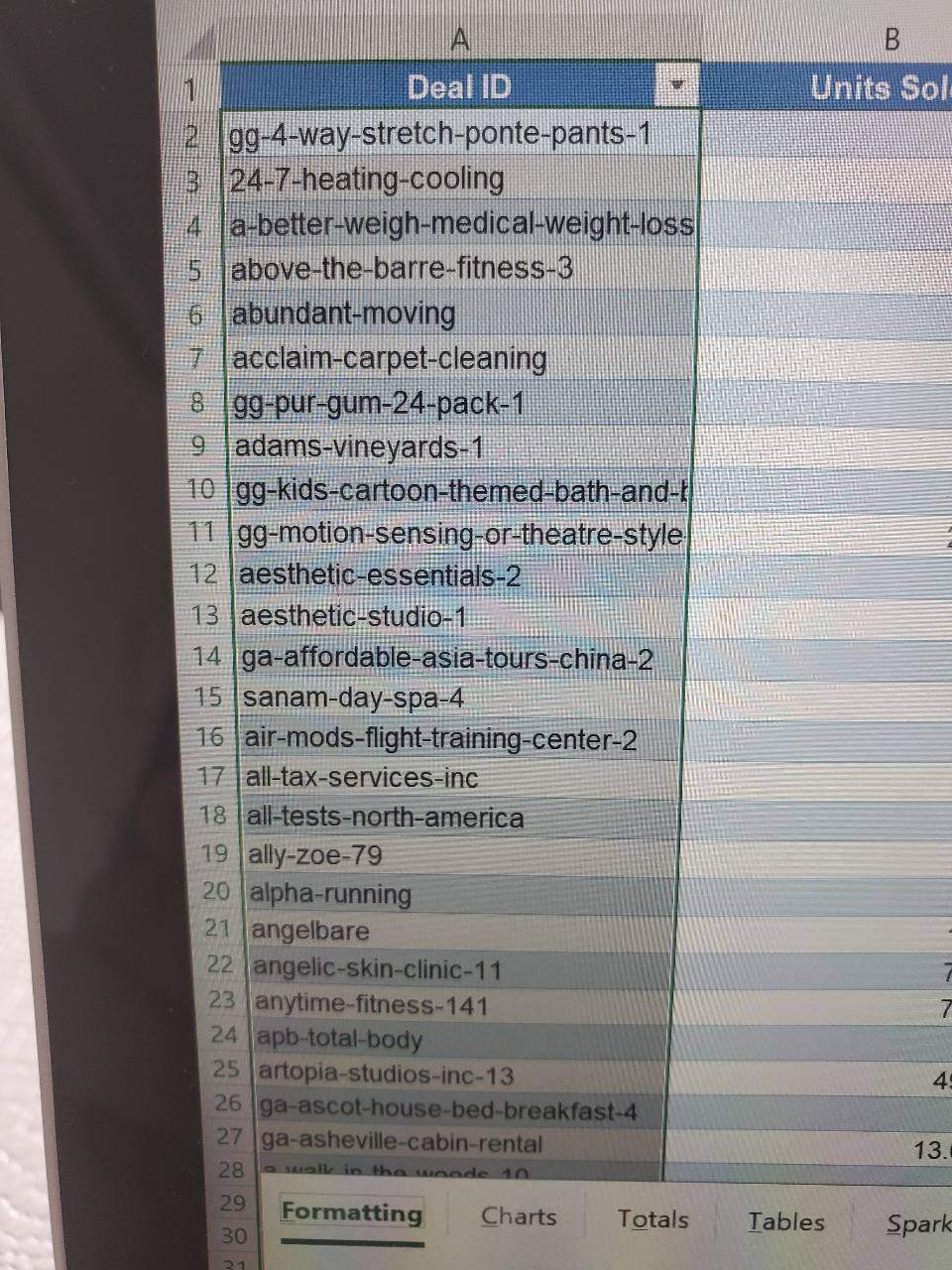

Would anyone be willing to teach me vlookup?
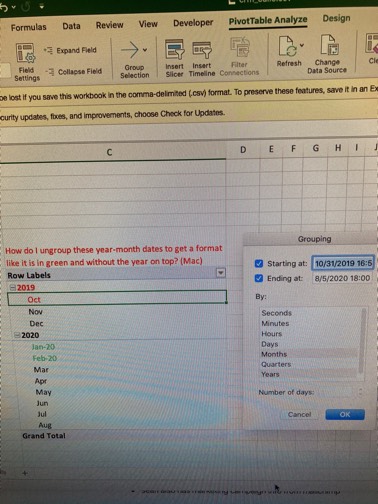
New to Fishbowl?
Download the Fishbowl app to
unlock all discussions on Fishbowl.
unlock all discussions on Fishbowl.


Yeah, I’d add a column labeling each employee as “Hourly” or “Salaried,” then build a pivot table with Location as rows and Employment Type as columns. Use “Count” as the values setting. That way, you’ll see a clear breakdown by type at each location
I would do:
Rows = Location
Columns = Salary (Exempt Status)
Values = Count of Employees
Filter = Employee Status (Active and Leave - exclude Terminated)
I would make it manually
Rows = list of locations
Columns = hourly & salary
Formula = =countifs(location column in raw data, column of employee status, “salary”) and then change to “hourly” for other column