

Related Posts


Hi all,
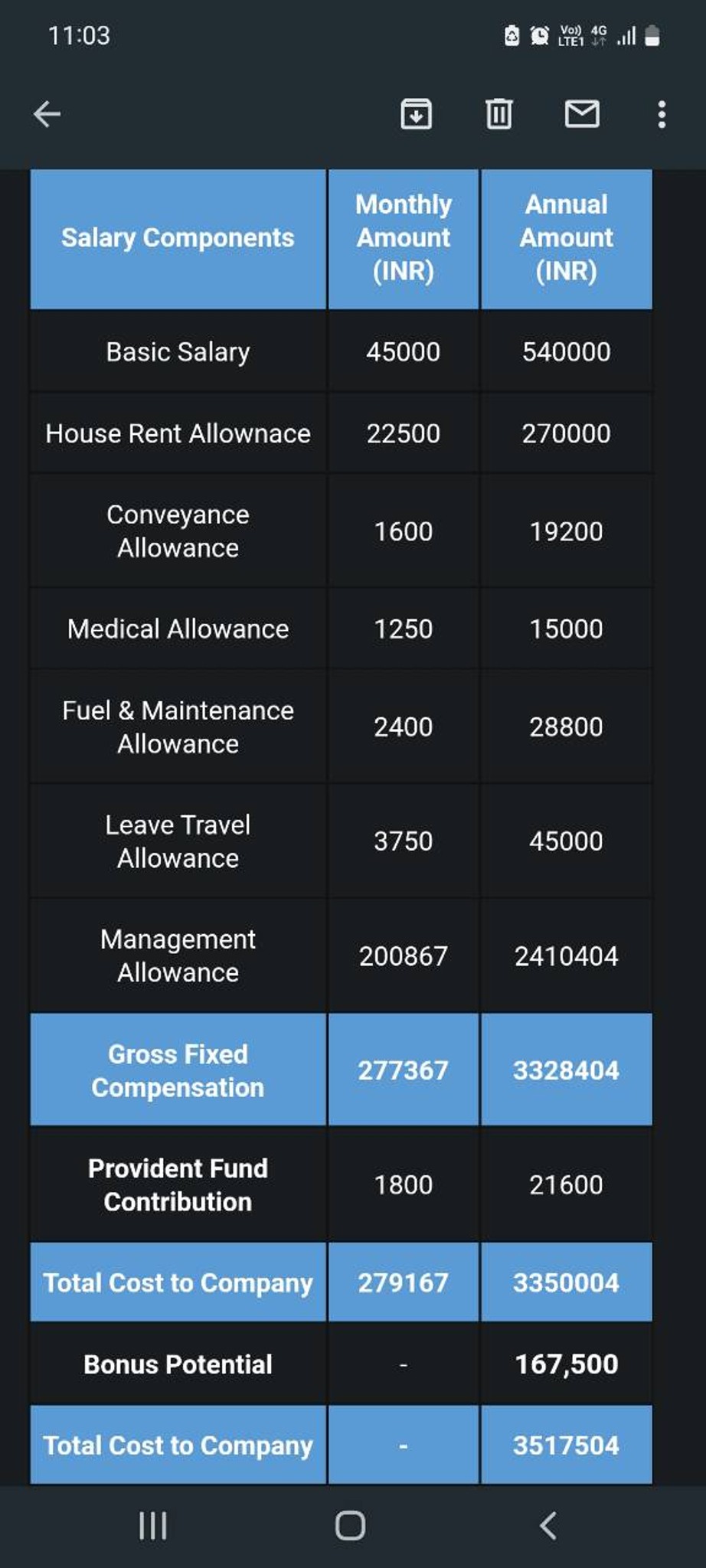
Do firms match offers from other Big 4s for campus hires? I’ve received a campus offer from both KPMG and EY. I’m more interested in the EY offer, but they are paying 3k less than KPMG.
Would it be a bad move to let them know about the other offer and try negotiating? I feel it wont make a difference in the long run, but at the same time I don’t want to leave any money on the table if possible.
Thanks!
KPMG EY PwC Deloitte



Visual Storyteller
Additional Posts in Technology in the Class

Best apps during Distance Learning so far?
For anyone using Khan Academy and Canvas I made a free application built on a Google Spreadsheet that reads in Khan Academy CSV files and sends the scores to the Canvas gradebook. Demo video below and link to site. Hope it helps someone! The setup takes a bit but it has made grading Khan exercises so much easier and quicker.
Demo: https://youtu.be/oQoVrhpp7R0
Website: https://apps.joshbunzel.com/docs/khan2canvas/
New to Fishbowl?
unlock all discussions on Fishbowl.


We went one to one several years ago and honestly you need to make sure to have strick guidelines in place for use and care for technology. Maybe even teach them how to properly take care of device. No matter how old. One to one is awesome if done right!
This is awesome! We went one to one last year and it is amazing! I use many programs, games, and websites for students to explore information and express their knowledge. I have found so many different avenues that students can take such as Screencastify, Zencastr, Adobe Spark, Padlet, Newsela, and so many more! Differentiation is also easy when the district is one to one. The possibilities are endless:)
That is awesome. Recommendations would be don’t have MS take them home and keep your text books. I use our computers a lot but I still find a need for none electronic reading material. Even though you can mark up just about anything electronically sometimes it is more effective to write and highlight or have paper text. Anything can get old even computers if they are all you use.
Make sure there is a balance between technology and written work. Establish ground rules and proper usage straightaway so students use the devices intelligently and respectfully. Have students understand there are consequences for improper and inappropriate usage.
There are a lot of programs, apps, and extensions which can be used in classrooms, but don’t be over-reliant on them. There is no link between technology and intelligence. (I am only speaking from experience bc my district did not implement ground rules for usage, so the one-on-one initiative was more harm than good.)
I recommend Google Classroom and invest in Kami where student s can edit a PDF document and it works seamlessly with Google Drive. I paid for Kami in my own. When students use Kami, they can highlight, underline words, they can also is the text to speech for ELL students as well as it will also read text to them. the free version does not provide all the features I mentioned. You also can grade electronically. It works with both Apple and Chromebooks, whichever devices you are assigned to use.https://www.kamiapp.com/
One more thought...be sure your school invests in a watchdog like program for teachers to monitor student online behavior. This year we used Go Guardian. Google it and get more info. I have had to individually block websites. Our district blocks YouTube.
Peardeck is a program that lets you add interactive questions to Google slides presentations. I love it! Think white boards with less fuss. You can review kids' answers together and look at common themes or errors. Also Flipgrid is a new favorite of mine. Kids can record 5 minute videos and you can either just see them yourself, let them post them to a safe password controlled "board" or allow them to view and respond to eachothers videos.
We did this a couple years ago, but it took a solid year for them to get the right WiFi installed and working correctly. The chrome books really weren’t useful until we fixed the WiFi issue because it was so hit and miss!... The programs I use the most now are Google Classroom, Quizlet, Kahoot, and IXL... We still use textbooks pretty regularly. I would say it’s about 50/50. Typing is important because my 8th graders take their writing test online. However, there’s still a lot of value in handwriting when it comes to retaining and transferring information... Good luck!
I had my first year 1:1. I recommend Google Classroom, Peardeck, and Peergrade
That is exciting! Do you know what you are getting? And what grades?
Laptops for fifth grade
Do you know what kind of devices you’re getting? We have chrome books in my school. I love using anything Google! Docs, Slides, Forms, Sheets, Classroom! They have all been a huge part of my classroom this year.
Here are some of the web programs I used for reading: Readworks, NEWSELA, Prodigy Math, BrainPop, Flocabulary, Epic Books, our district paid for Legends of Learning for a science app. It is a game based and new to us this year. My students loved it.
Also check with your librarian and see if your state offers a resource similar to ours called InfoOhio. This provide s access to tons of resources for students to access for more reading and research if many topics.https://icolc.net/consortia/39
For professional development, you may want to get Google Certified Educator. I took it for free at my local Educational Service Center that my district is a member of. I found an online site that will tell you more about what it is, but I am do not know the trainer of this site nor trying to advertise specifically for anyone. Ask fellow teachers if they are Google Certified. https://shakeuplearning.com/blog/10-reasons-become-google-certified-educator-infographic-video/ Good luck..
ClassKick, SeeSaw, Quizlet (Live), PicCollage, Epic books, ReadingA-Z, NewsELA, Google Classroom (et al) or Microsoft 360, Symbaloo....
I seriously thought this reply was mine for a minute. 😂 I agree and would have suggested all the same things!
I highly recommend becoming a Google certified educator. At least do the free training courses. https://teachercenter.withgoogle.com/certification_level1
I use Quizalize! Great for pre and post tests and differentiation! http://www.zzish.com?fp_ref=lunaschicks
I need to look into this
Definitely teach rules, routines, & procedures for using the laptops/Chromebooks. Students are VERY tech savvy and know how to quickly switch back and forth between some other screen where they're trying to watch YouTube or do something other than classwork and the stuff they're working on. The 1st year we want one-to-one we had 2 students who got away with being on other websites for 5 hours of the school day! Be very strict about your rules and enforce them consistently!
It's true, they are! I have to tell my students to just keep their Chromebooks closed and on the book rack under their seat unless I tell them specifically that we're using them that day. Even the honors students will switch back and forth between what we're doing and a paper they are working on for another of their honors classes.
Incorporate Digital Citizenship lessons! Commonsensemedia.org has great (free) ones for each grade level, and Google also has a program. Also, my advice is to always have "offline" back up plans. At some point (many points!) the wifi will be down.
I use Quizalize. Great for differentiation! http://www.zzish.com/?fp_ref=lunaschicks
With the referral link, I think you get a free month of premium too check it out.