

Related Posts



Community Builder
@leveraged_logan on Instagram




Visual Storyteller
Smoked ribs. It was smoked for 6 hours.


Additional Posts in Excel Genius
Would anyone be willing to teach me vlookup?
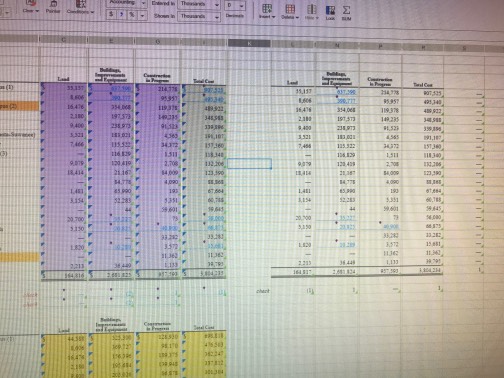
Still don't have xlookup. #fomo
New to Fishbowl?
Download the Fishbowl app to
unlock all discussions on Fishbowl.
unlock all discussions on Fishbowl.


Subject Expert
Expand/collapse the ribbon and it will fix it
It's a UI call that breaks - happens only in new versions of Excel 365
Yes I freaking hate it! My guess is it’s a memory issue, I only encounter it when I have a ton of workbooks open. Usually I just use the arrow keys to scroll “off screen” and then the view resets
Happens to me - just quit out and re open
I thought it was just me being too inept to operate a keyboard and mouse 😂
Thanks for asking this. I feel less dumb now.
I am not an Excel or tech expert, but has anyone contacted Microsoft or a help desk.
Many years ago I had an issue with a program and contacted a help desk after many attempts of correcting the issue he said it was a “hiccup”. He said mam it is a computer program then end up with hiccups.
I also think as with anything massed produced defective items come off the line
Hold ctrl and scroll your mouse wheel up or down to zoom in or out. Zooming in or out will fix it without you having to close and reopen the sheet. Super annoying.