

Related Posts




Bowl Leader
Who has the best M&A Tax Practice ?

Additional Posts in Excel Genius



Would anyone be willing to teach me vlookup?
New to Fishbowl?
Download the Fishbowl app to
unlock all discussions on Fishbowl.
unlock all discussions on Fishbowl.


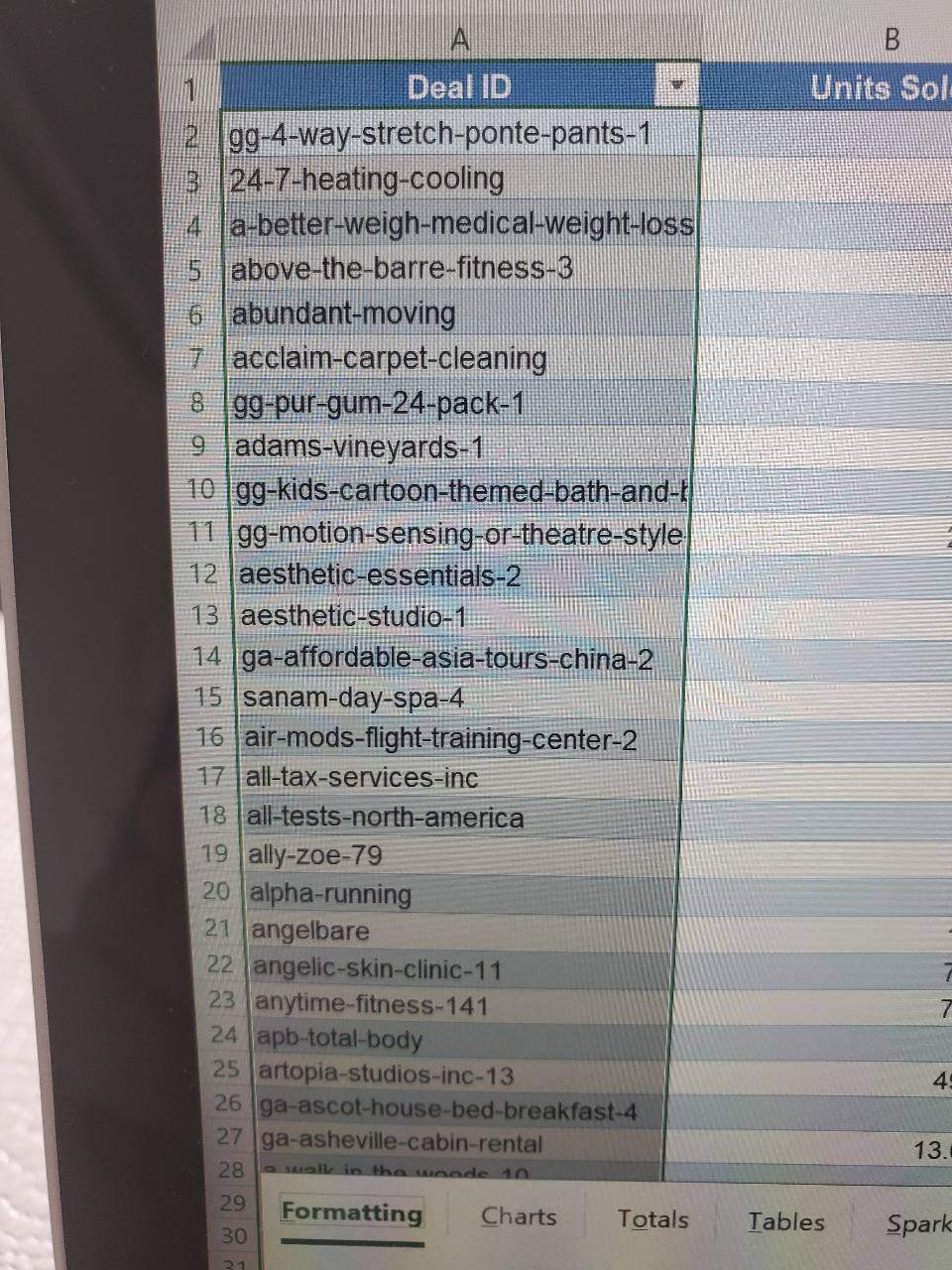
Ever look at a formula that says Sheet1!$C$2:$C$9 and have absolutely no idea what it's referring to, and now you have to click over to that tab and hunt for those cell references? Tables let me write English like Sales[Sale Date] instead of navigating to a different tab and and click-dragging over what I want, improving both readability and speed.
100% agree with Accenture2 and Arup 1. Better formula readability. I can add more data to the bottom of a table and references automatically expand to include it. Formatting updates automatically if I add or remove rows.
And I can add related tables to a data model, making it possible to build pivot tables that draw on data from multiple tables.
Only downside to me is that subtotaling doesn’t work in tables.
Personal reasons:
- Automatic equations, in that one cells equations fills down automatically
- Good-looking formatting
well it formats automatically when you update it, one of the most helpful aspects. Also if you’re working with any external tool like PowerBi or Power Automate you need to use tables to add it as a data source.
That isn’t non-genius. That’s the way.
Tables are more trouble than they’re worth.
In some ways, it does seem annoying. However, they come in handy when you want to query various types of data under multiple conditions. They are also useful for data visualization (using pivot tables and charts).
To sum up, if all you want to see is raw data and do not plan on messing around with the data, then tables can be bypassed. If you want to use Excel tools to analyze and visualize the data, then t tables will get the job done much quicker.