

Related Posts


Visual Storyteller
How are you doing MN crew?

Additional Posts in Excel Genius
Still don't have xlookup. #fomo

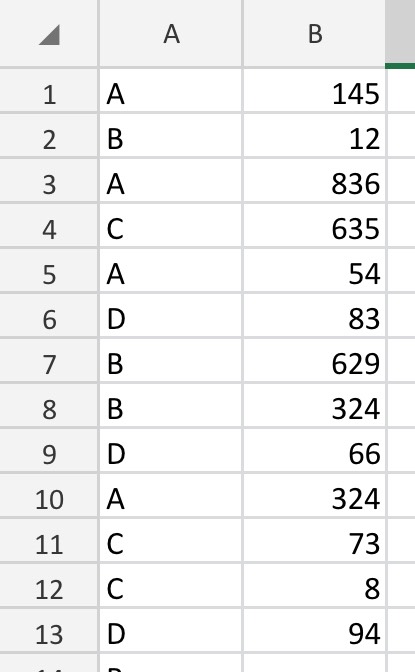
Anyone know what these badges are?


Would anyone be willing to teach me vlookup?

New to Fishbowl?
Download the Fishbowl app to
unlock all discussions on Fishbowl.
unlock all discussions on Fishbowl.


Unless you can accurately describe what you want to do, we can’t help you much.
Lets break the formula and try step by step! First check your data is correct!
=COUNTIF(M19:M94,"YES")+COUNTIF(M19:M94,"NO")
verify if it returns the correct count of "YES" and "NO" values in the range.
> Manually check if the logic makes sense. Sum B13:B18 and subtract B19:B94 yourself and compare to what the formula returns.
> Try stepping through the formula piece by piece. Wrap the SUM and COUNTIF parts in parentheses like: =IF((COUNTIF(M19:M94,"YES")+COUNTIF(M19:M94,"NO"))>0,(SUM(B13:B18)-SUM(B19:B94)),0)
Lemme know if this is working or not!
Try: =IF(SUM(COUNTIF(M19:M94, "YES"), COUNTIF(M19:M94, "NO"))>0, SUM(B13:B18)-SUM(B19:B94), 0)
try =IF(COUNTIFS(M19:M94, "YES") + COUNTIFS(M19:M94, "NO") = ROWS(M19:M94), SUM(B13:B18)-SUM(B19:B94), 0)
not sure if it will work.
It looks like your OR statement is flagging TRUE in both the case if M19 is YES or NO. I would think you would only want to run your formula of one the conditions is true.
Does your M column have Yes/No values? Also, what other values your M column will have? It seems the IF statement is executing the False section only, it can happen if your M column have any other values then Yes/No.
Maybe, but it all funnels down to how data is setup and what is needed to be extracted.
Do you by chance have your calculations turned to manual?
Do you have a mock up? (Sheet with similarl values) that I could use?
Is it all numerical? Alphanumeric? Are you dealing with whole numbers only?