

Related Posts
Who did the Lean Cuisine #ItAll campaign?



Pro
Every damn time.


Hey Guys,
I got a call from Infosys HR on 16-September-2022 that I have been successfully selected for the job position of Test Analyst at Infosys, as per our conversation I have to receive an offer letter within 15 days, but I haven’t received it till now.
Now They have sent a mail that your Candidature is on hold. Is this happened with anyone else also.
Please do suggest on this guys.
Infosys
Additional Posts in Excel Genius


Coach
Anyone know what these badges are?



Visual Storyteller
New to Fishbowl?
Download the Fishbowl app to
unlock all discussions on Fishbowl.
unlock all discussions on Fishbowl.


Subject Expert
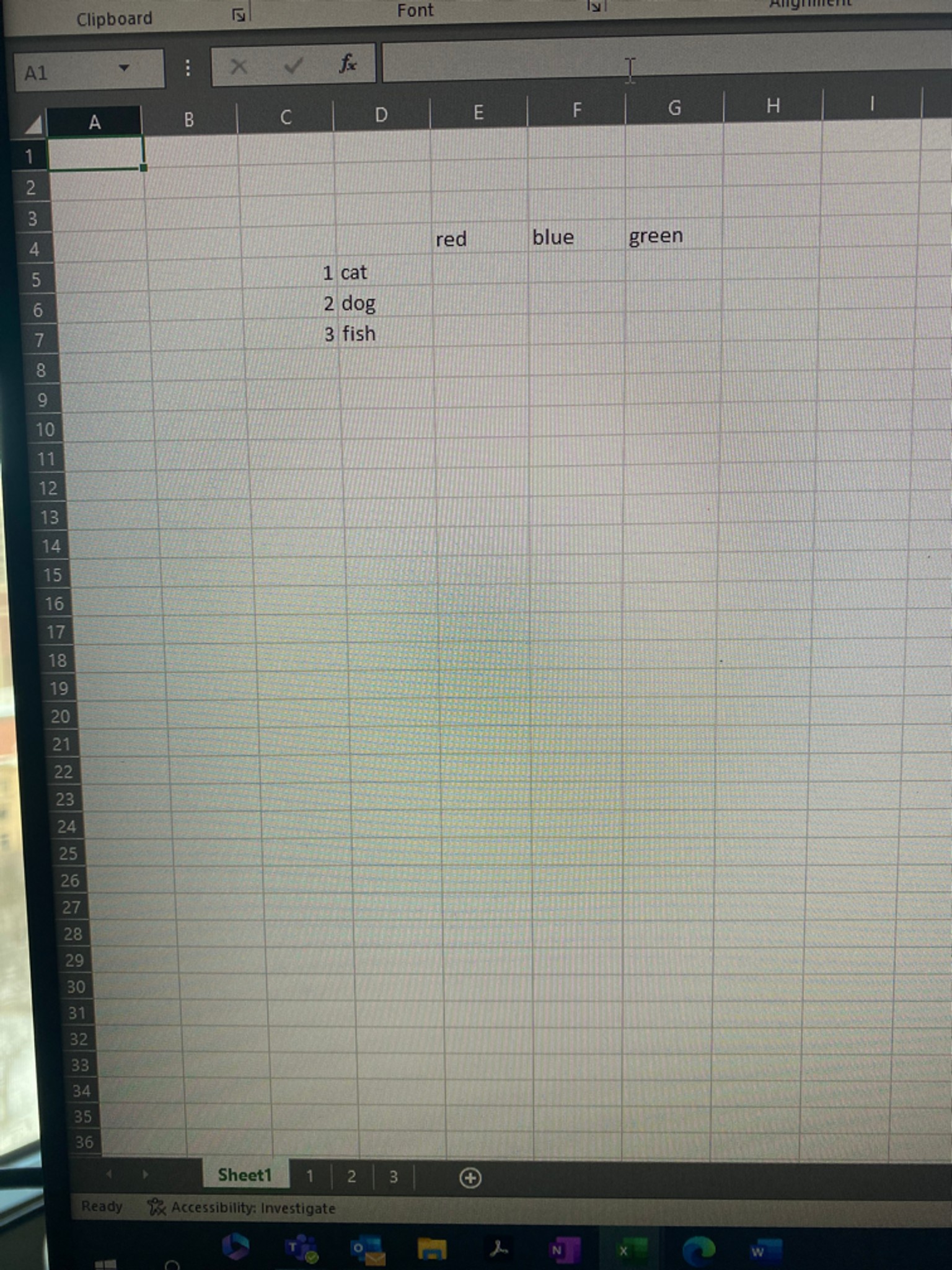
=INDEX(INDIRECT(c_cell&"!range"),MATCH(criteria,criteria_list,0),MATCH(criteria2,criteria2_list,0))
Remember that you need the "!" right before the range (e.g.; "!A1:Z100") and need to keep the quotes
Where:
c_cell = your cells in column C (the 1,2,3 which is THE NAME OF THE SHEET you're looking)
criteria = your row criteria (as an example, the cell containing "cat")
criteria_list = your row criteria list (in this example, the range with "cat,dog,fish" - in excel terms D5:D7
criteria2 = your column criteria (e.g. "red")
criteria2_list = your column criteria (e.g., E4:G4)
Great question..
To set this up, I believe that you will need to structure your file so that the tabs have a standard naming convention except for the characters that you want to reference with the indirect (e.g., Region1,Region2, or RegionABC, RegionBCD, etc.) then indirect on the alphanumeric coding of the tab name in your formula.
Other than that, index match should be same otherwise
Try this to get Red Cat in cell E5
=E4&” “&D5
You can, but your ranges on each tab will have to be the same. Another method would be to name the tables on each tab and indirect to reference by table name and you wouldn’t need tab names
You’ll need an indirect within the index and the match
Thanks all!!