
XLOOKUP v/s VLOOKUP



Any agile coaches here ?
Who’s getting a bivalent?
Anyone know what these badges are?



Visual Storyteller

Coach
This site is protected by reCAPTCHA and the Google Privacy Policy and Terms of Service apply.
Download the Fishbowl app to unlock all discussions on Fishbowl.
Copy and paste embed code on your site

Scan your QR code to download
Fishbowl app on your mobile


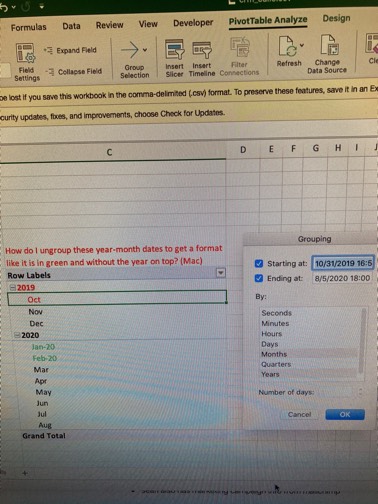
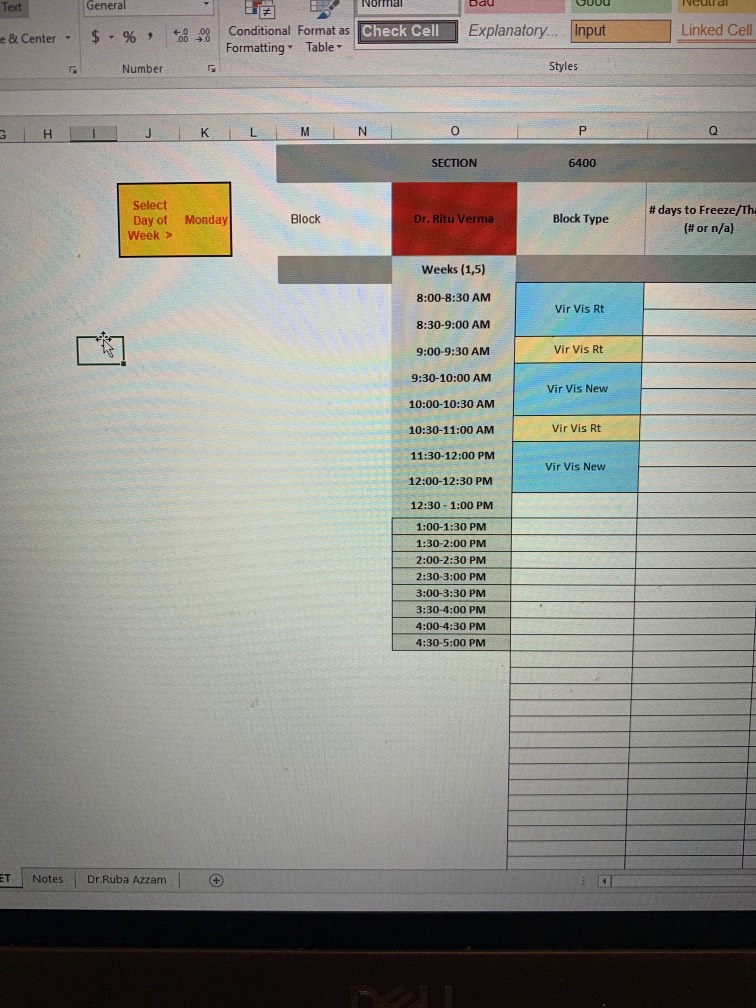
There’s only one right answer -> index match
Subject Expert
If you decide to use =FILTER(), you'd need a =FILTER(FILTER()), which is significantly more inefficient vs using index match & =FILTER()
My point is not that it is impossible to do so, but that it is worse - both computationally, but also when auditing
P.s.: using =AVERAGE() and =FILTER() does not satisfy the requirement of using =XLOOKUP() - since we are arguing index match vs =XLOOKUP()
Never vlookup
I think it depends, if it's relatively quick and simple, vlookup. Otherwise xloolup as I think I read there are some performance benefits (could be wrong)
Index Match all the way. Never went back to Vlookup. Saved so much time not prepping the file.
I prefer xlookup over vlookup, but I also don’t use index match so no clue about what everyone above is taking about.
Depends but typically xlookup for me
Always xlookup. Index-match is also acceptable.
Xlookup for me. Simple, fast, easy to notate where no match is found.