

Related Posts

Bowl Leader

Try out a new marketplace for teachers to buy and sell lessons/materials/resources. Take all of your hard work especially from virtual learning and make some extra money off them. Sellers make 100% profit off anything they sell. This is for a FREE Membership. Type in vipfree in the space that asks “how did you hear about us” on sign up. Lessontrader.com


Bowl Leader
Win $20 cash. New users welcome. Free membership with discount code “vipfree”. Until Sunday 5:00 pm eastern whatever teacher uploads the most lessons to their teacher store will win $20 cash!! Lessontrader.com is a virtual marketplace for teacher users to buy and sell resources with teacher sellers making 100% profit off anything they sell.

Bowl Leader
Bowl Leader
Hey, Fishies! We’re launching our first Interview/Q+A series "Portfolio Rewind: Would You Hire You?"
Like a portfolio review in reverse, creative leaders will share work they created when they first started out and critique it as if were a book that had just landed in their inbox. Then, tell us if they’d hire their younger selves knowing, and expecting, what they do now.
Drop in for get the chance to ask questions, and get your book reviewed by our guest. Hope you can make it!
zoom.us/j/92635977143

How do you show God’s love in the classroom?

More Posts
Anyone wear baccarat rouge?

Conversation Starter
Conversation Starter

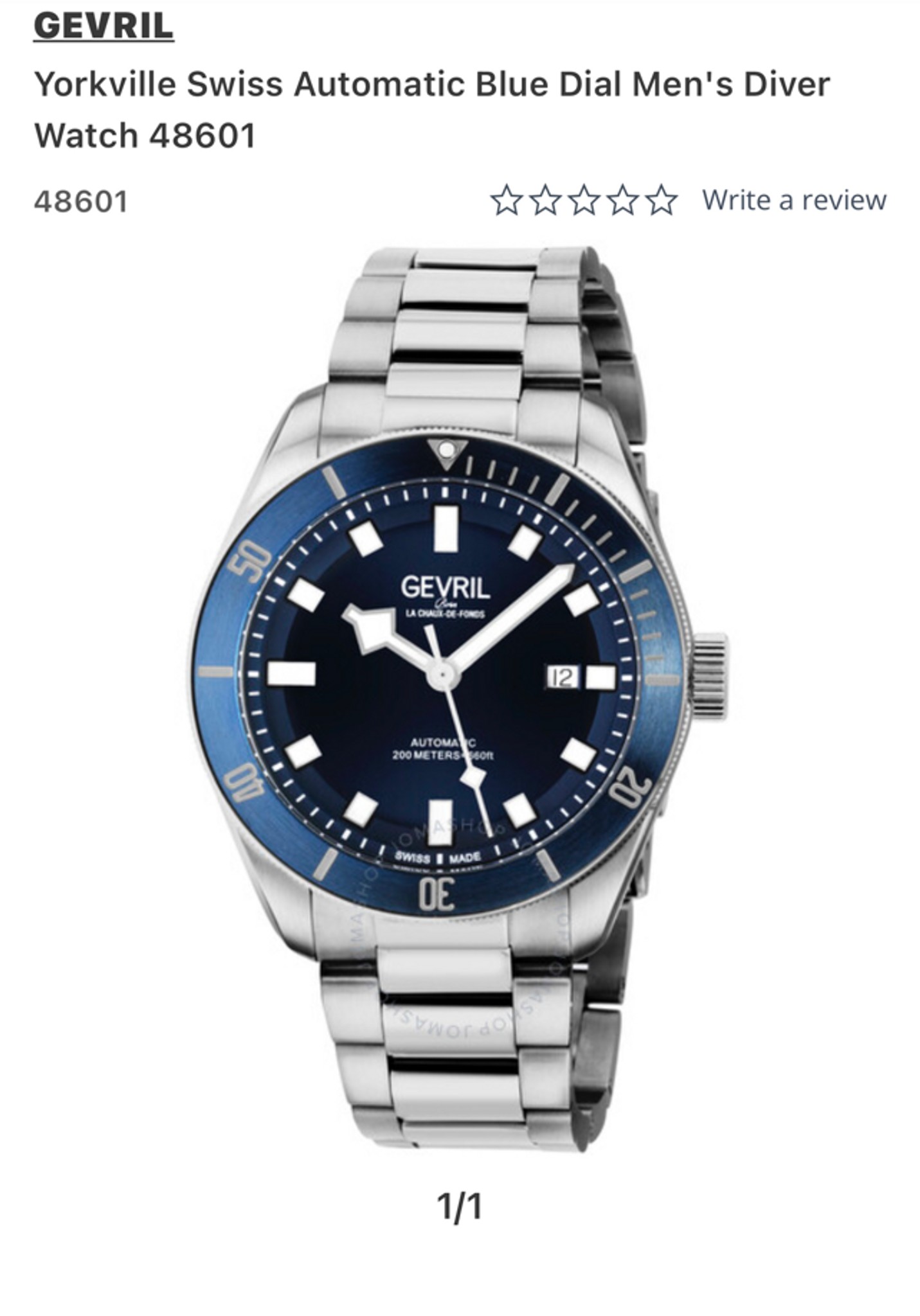
Opinions on this brand?
Bowl Leader
Need some urgent help can anyone DM me, Please
Additional Posts in Special Education Teachers
How do I effectively utilize my special ed ea?
New to Fishbowl?
unlock all discussions on Fishbowl.


I also use Boom Cards, Flipgrid, EDPuzzle and Screencastify. My students respond better to these.
I used Google Slides a lot when I used Google Classroom. You can link screencastify recordings, flipgrid and create moving pieces for students who are not able to write independently. You can link YouTube videos...so many possibilities.
I don’t know how old your students are or their level of needs, but Seesaw is great for younger students or students with more needs.
YouTube has some really good tutorials for all of this
Live teaching in groups can be tough. If you have tas, you can do breakouts in Zoom to help with smaller group instruction with set times.
I was also able to show families how to present their screen to me, so that the students could do uploaded lessons with me.
Remote learning has proven to be a real challenge. There’s nothing like teaching in a classroom!
I wish you all the best!
I used Boom cards as well. Even my 2 year olds could do some of them. They have Boom cards for all levels, from getting dressed by yourself to writing a research paper. I
Hope you find them as useful as I did.
I taught autism and intellectual disabilities online last year. I had a virtual hour morning meeting every day. They didn’t have to stay for the entire time but most did because I used a lot of fun music and almost felt like a disc jockey doing a show lol. I also used short video and I wore different funny hats and clothes. I picked a theme for each week and we did our activities around that theme. Students could dress up certain ways or wear something special around that theme. I used the “National Day Of” calendar to think of unique topics. We did a show and tell each Friday where students could show off something related to the theme. We did small groups later in the day to work on IEP goals. I used Boom Cards but also made my own activities in Google Slides. I also created a google site with tons of links for parents to use to keep students engaged throughout the day. The google site also served as a spot for parents to access the lessons and print packets if they chose to. Others requested packets to be picked up at the school. I left it up to parents to decide what to do for pencil and paper work. Then they took pictures of it to turn it in for credit. I had 23 students who ranged from nonverbal and unable to point to students reading at 4th-grade level.
From March to the end of the year, I taught Math to High Functioning Autistic middle school students. I had 3 Zoom groups- 6th, 7th and 8th grade. I also had 3 rooms set up in Khan Academy. Khan Academy followed National Standards (I’m in DC). For their lesson, I would share my screen showing the Khan Academy lesson and practice problems, which we’d do “round robin”. I met each group for 46 minutes every day.
Once we did the lesson together, I had assigned lessons automatically for homework. It worked very very well.
That is great! Thank you for sharing.
Setting up a google classroom, is it difficult?
It isn’t too bad. It’s just a learning curve. YouTube has some really good tutorials to help out with every aspect from getting started to adding assignments, extensions... anything! The time you spend on watching some will be worth it! Good luck!
Flipgrid is awesome way to engage sped students!
And, Boom Cards!
Have you tried GoNoodle.com? They have several choices like Good Energy and it’s free. It offers yoga, breathing techniques, and many other fun stress relievers as well as educational videos. Kids love this video called ‘Melting’ where they alternately tighten and relax muscle groups.
My students need physical support for most daily living activities. They rely on an adult to help them through the day. There are parents who are both working full time and are not able to sit with them to support their learning. They will have to pay for child care which is challenging and costly. My heart goes out to these families. How can I support them when their child is not at school?