

Related Posts


Does UBS provide any welcome kit?

Anonymous User

Enthusiast
Which agency does Jack Daniels TV?
Hi I've joined Harman in May but hasn't been assigned to any project yet. I've asked hr and reporting manager they said they're working on it and there's nothing to be worried about However I just want to know if there's anything I should be concerned about what's the bench policy? Harman Connected Services Harman
Additional Posts in Excel Genius
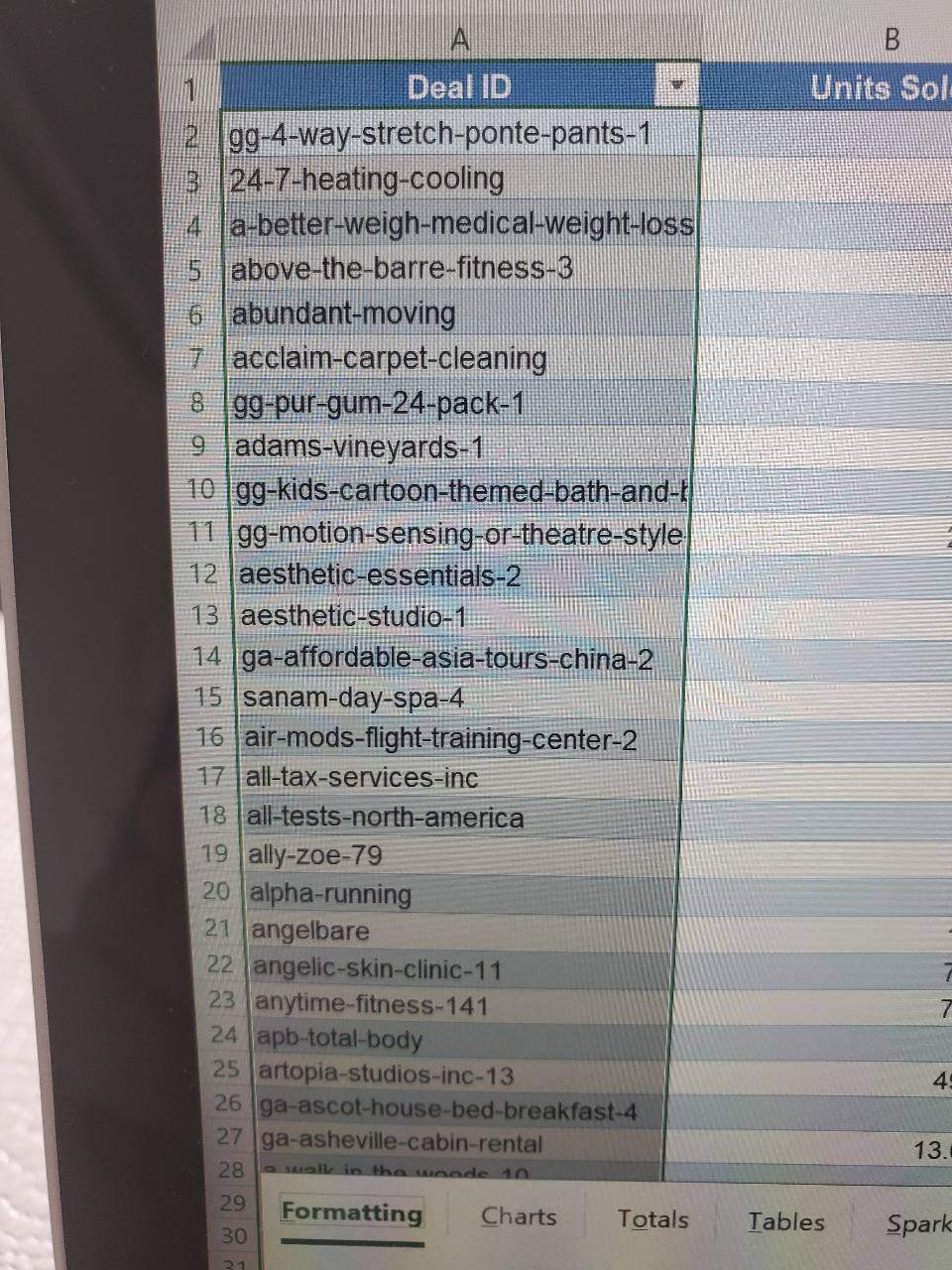


Would anyone be willing to teach me vlookup?
Anyone know what these badges are?


New to Fishbowl?
Download the Fishbowl app to
unlock all discussions on Fishbowl.
unlock all discussions on Fishbowl.


I’m not sure you can have it auto populate the PDF. You would need to load the PDF in excel and manually select the table each time in PQ.
A pdf of an excel spreadsheet only captures what is in the file at that time. If you update the spreadsheet you will need to save a new pdf.
The idea is- power query picks up a table from a pdf doc.
When you replace the pdf doc with a new version of the pdf, I want to be able to hit refresh on excel so that it automatically updates the content.
Is this a possibility?
Check out Power Automate Desktop on YouTube.
Subject Expert
You can't do it
That being said, you can MIMIC it - everytime a new update is made in the table, you can save (overwrite) a new version. This can be accomplished in both an editable and non-editable pdf - but it will require you to do some coding; the platform which you code is up to you (I'd do a macro/cmd and automate it)