

Related Posts

Making himself at home in my home office!





Conversation Starter
The new company I’m at now sent me an email from an email address that was HR@companyName.careers saying I was accepted for the position. They gave me paperwork to fill out and sign to accept the position
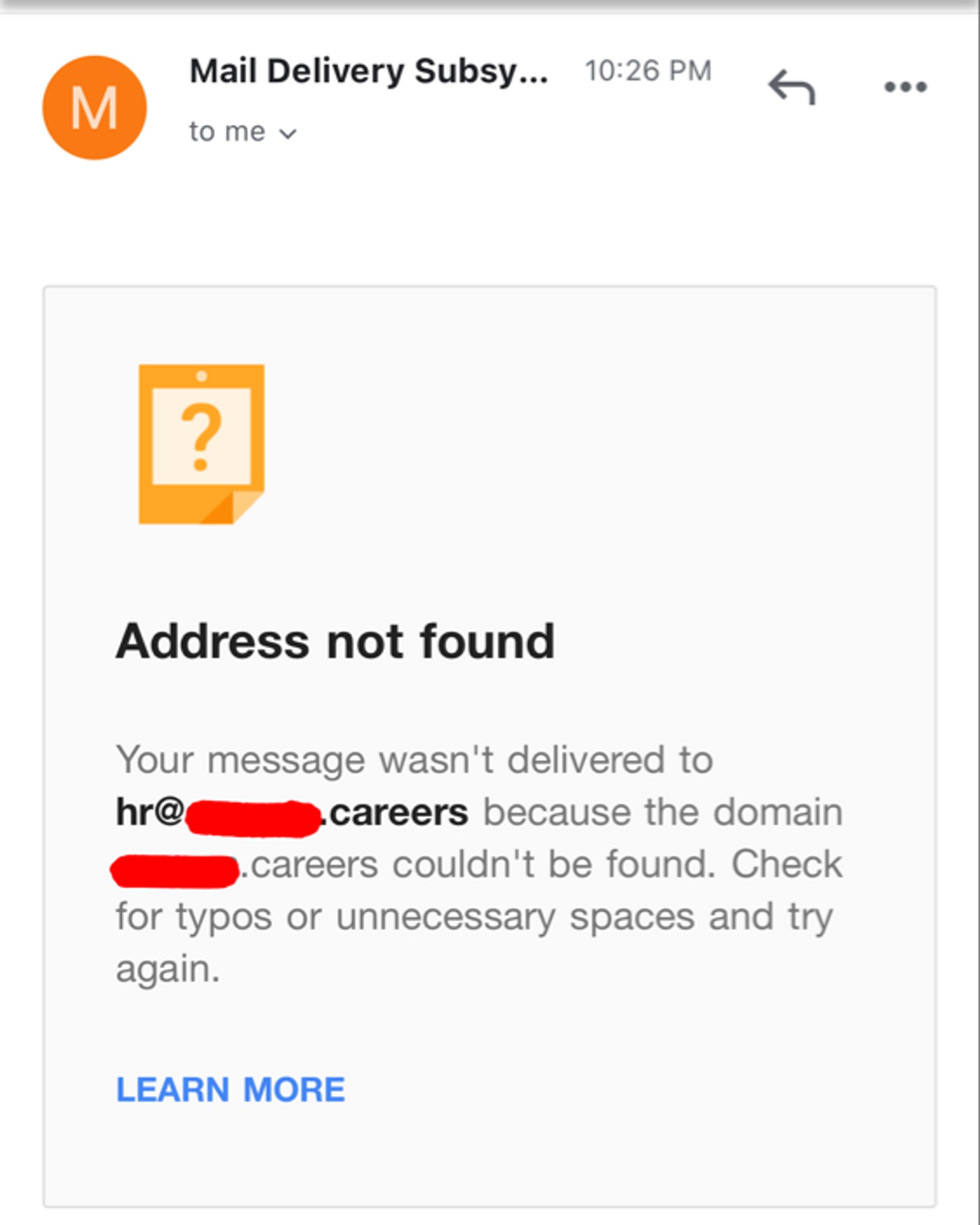
I fill out the paperwork and send it back to them and it goes through… then a few days later I go back to the email to say something else and I get this…?
Then today I got a check from the company In the mail to setup my home office, and it’s signed by someone I’ve never met before or heard of…?
What…..
Hello RSM coworkers! I am thrilled to be moving to RSM into a Scheduler roll. I just found out yesterday and want to be as prepared as possible in the next steps.
So here are my questions.
How long does the background study take? I'm guessing admin staff have a study that is faster and less complicated than someone in Tax ect.
When training at home what did you need that wasn't supplied by RSM? My home office is well stocked but I want to be as prepared as possible.
Thanks in advance!


Rising Star
Rising Star
More Posts

Enthusiast
8.7 yr yoe, how can I negotiate with hcl ?@hcl
Conversation Starter

Bowl Leader


Visual Storyteller

Recently got transformed into Big data,my first project,it's been 3 months,but completely over exhausted, completely mental pressure,not understanding anything,they are giving me completely other tools,can I ask a roll off in Accenture from the project, what can I do please suggest?Accenture Tata Consultancy IBM Amazon Tata Consultancy
Additional Posts in Consulting
KPMG to acquire LEK? Thats so cool!
EY folks...thoughts on LEAD?
MBB Asia vs Big 4 NA? (SEA/India vs US)
New to Fishbowl?
unlock all discussions on Fishbowl.


Just bought a 32” Samsung smart monitor. Amazing
So you can see your excel spreadsheet better?
Get a tv then 😄
Budget?
You can get anything at that price point I’d just look into something with usb c that can charge your laptop at the same time so something like:
LG 32BL75U-W 32" LED LCD Monitor - 16: 9-3840 x 2160-4K UHD - Speakers - HDMI - DisplayPort - White - Epeat Gold,Black https://www.amazon.com/dp/B07NP7Y6ZV/ref=cm_sw_r_cp_api_glt_fabc_E7355FYKZYGB6E0Q8VAA
Rising Star
I have a 32 inch I bought for gaming (mainly racing sims) a few years ago. It’s been good.
But if you’re doing office work then an ultra wide or dual 27” screens would be the way to go.
Was watching YouTube videos on ultra wide vs dual monitors today. The decision seems to depend on your workflows.
Chief
https://www.bestbuy.com/site/gigabyte-32-lcd-4k-adaptivesync-ss-ips-monitor-with-hdr-hdmi-displayport-usb-black/6483969.p?skuId=6483969
Rising Star
www.Rtings.com
Recommend a 34" or 38" ultrawide if you can afford it; massively helps working across multiple docs. I have a Dell U3818DW, which is believe is discontinued now, but is highly rated.
Are there any monitors with Wi-Fi? Or do you have to get a TV for that?
I honestly was going to spend like $2000 on an OLED....but while at Costco I saw this 50" Roku tv for $355.
I could hear my wife in the back of my head and I realized....if these TV's weren't next to each other, would I even be able to tell?
I have the Roku TV in my living room...and I can attest that I can't tell...lol.
Maybe this doesn't help anyone, but it saved me $1600