

Related Posts


Rising Star


More Posts

Pro

Bowl Leader
Hi
I have a current CTC of 6.6 and Mastercard is offering 8.9 (including variable ) . I also have an offer from infosys of 10 ( including variable). Which one should I pick considering work life balance and appraisal.My entire doubt is that will they bring me on market rate after appraisals as currently they are not offering very good hike.
I will be joining HR team

Visual Storyteller
Anyone looking for reference in Cognizant.
Please share your resumes with role, location and experience to Arjun.muralidhar@cognizant.com
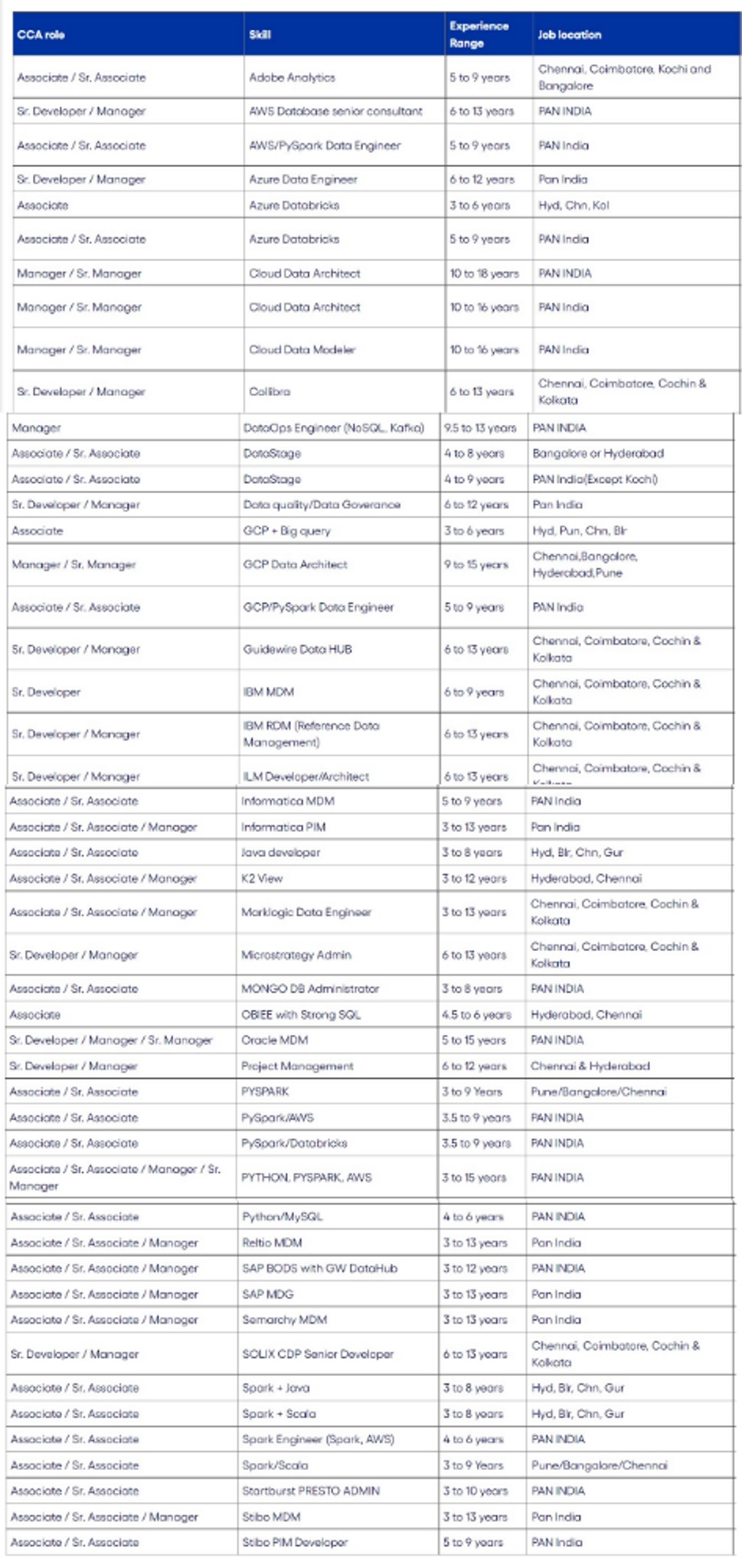
Skills: Adobe Analytics, AWS database, Azure, PySpark, Data engineer , Databricks, Cloud data architect, Dataops, GCP, IBM, ILM, Informatica, Java developer, K2, python, MicroStrategy, OBIEE, SAP BODS, SAP MDG, Spark, Scala , Stibo


Hi fishes,
Generally how many days does it take for offer letter to be released after having discussion with HR.
Whom should we contact if we didn't receive any further information .
I had interview and offer discussion with CTS 6 months back but didn't receive any letter and even this time after interview and hr discussion its been 4 days but no further communication.
Cognizant
Cognizant Technology
any good product based companies for sap basis ?
Hows the WLB of AM at Deloitte USI?
Additional Posts in Excel Genius
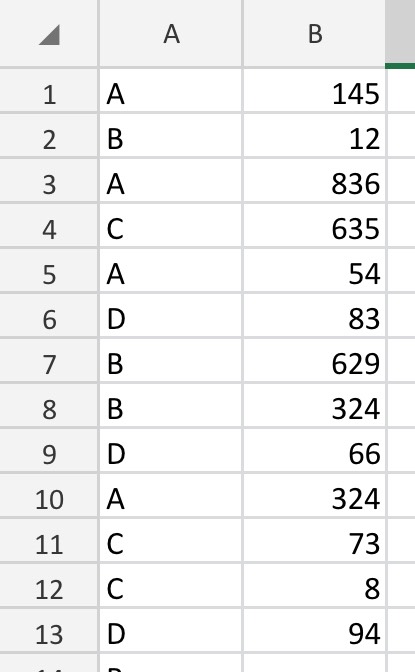
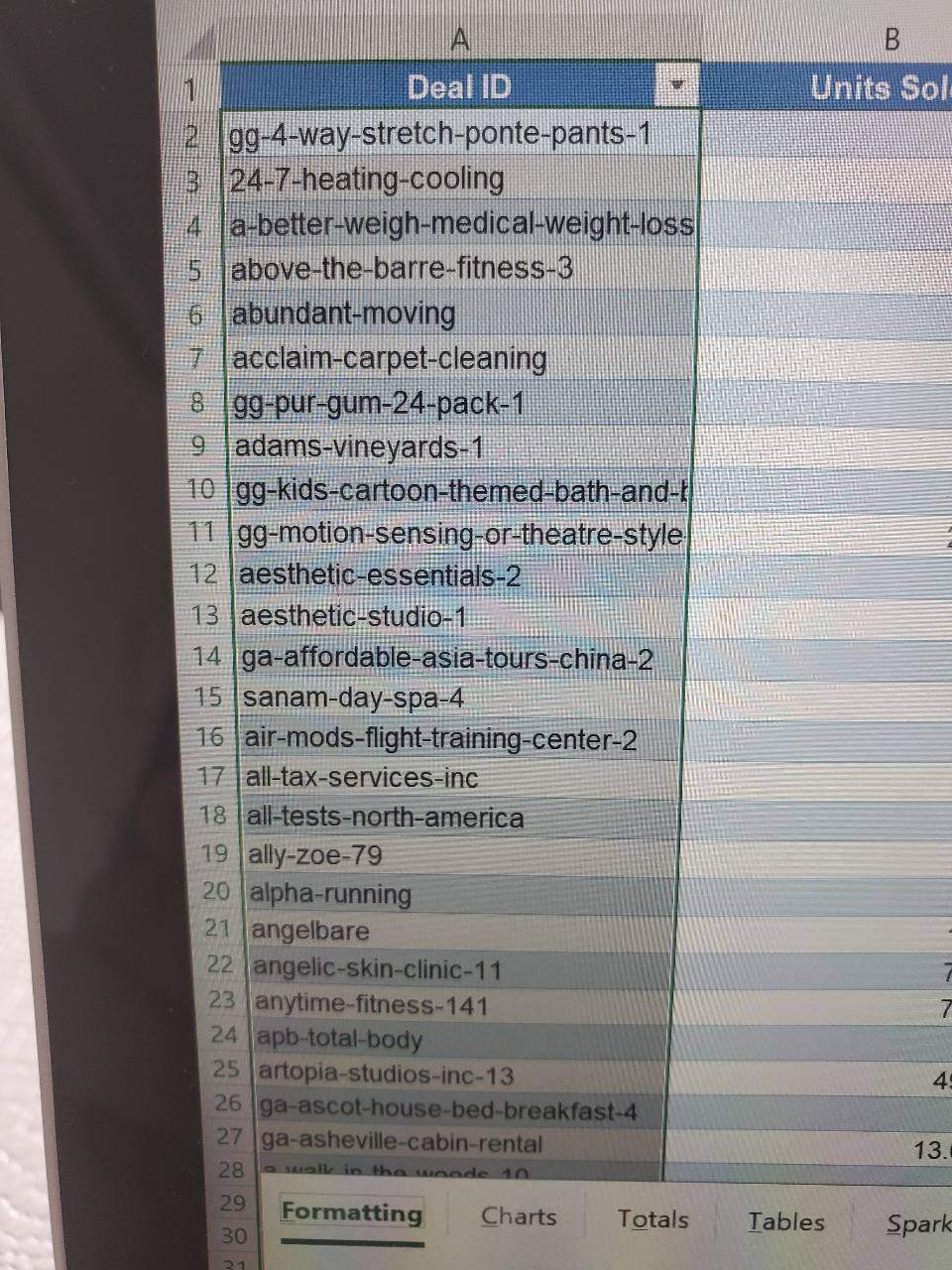
Would anyone be willing to teach me vlookup?

New to Fishbowl?
unlock all discussions on Fishbowl.


Mentor
Yeah* - it's called "partial check" and it's fairly easy to do it.
You said "how often those keywords come up", which implies you want to count them (not necessarily list every occurence). Here it's not clear what happens if there are two keywords in the same cell (does it count 1 or 2?). Assuming counting the cells itself:
=COUNTIFS(range,"*"&"keyword"&"*")
If you want to LIST the occurrences:
=FILTER(range,ISNUMBER(
SEARCH("keyword",range)))
*Just one quick point: This work for any cell/group of cells in excel, not only pivot tables (I'm not aware of anything specific for pivot tables, but ideally I don't think people should be using it, sooo)
Mentor
Np
So, the first formula (the =COUNTIFS() one) should work for you. You can always write the keyword in a cell and reference that cell instead of using "keyword" - just remember that if you reference the cell, you don't need the "".
Sub SplitWords()
Dim cell As Range
Dim words As Variant
Dim i As Long, j As Long
Dim dict As Object
Set dict = CreateObject("Scripting.Dictionary")
For Each cell In Range("E1:E" & Cells(Rows.Count, "E").End(xlUp).Row)
words = Split(cell.Value, " ")
For i = LBound(words) To UBound(words)
If Not dict.Exists(words(i)) Then
dict.Add words(i), 1
Else
dict(words(i)) = dict(words(i)) + 1
End If
Next i
Next cell
Range("H1").Value = "Word"
Range("I1").Value = "Frequency"
j = 2
For Each word In dict.Keys
Range("H" & j).Value = word
Range("I" & j).Value = dict(word)
j = j + 1
Next word
Columns("I:I").Select
ActiveWorkbook.Worksheets("Sheet1").Sort.SortFields.Clear
ActiveWorkbook.Worksheets("Sheet1").Sort.SortFields.Add Key:=Range("I2:I" & Cells(Rows.Count, "I").End(xlUp).Row), _
SortOn:=xlSortOnValues, Order:=xlDescending, DataOption:=xlSortNormal
With ActiveWorkbook.Worksheets("Sheet1").Sort
.SetRange Range("H1:I" & Cells(Rows.Count, "I").End(xlUp).Row)
.Header = xlYes
.MatchCase = False
.Orientation = xlTopToBottom
.SortMethod = xlPinYin
.Apply
End With
End Sub
This macro will split the text in column E into individual words and create a pivot table that shows the frequency of each word. The pivot table will be sorted in descending order based on the frequency of each word.
To use this macro, you need to open your Excel file and press **Alt + F11** to open the Visual Basic Editor. Then, click on **Insert** and select **Module**. Copy and paste the code above into the module. Finally, close the Visual Basic Editor and go back to your Excel file. Press **Alt + F8** to open the Macro dialog box. Select the **SplitWords** macro and click **Run**.
I hope this helps! Let me know if you have any other questions.