

Related Posts



More Posts

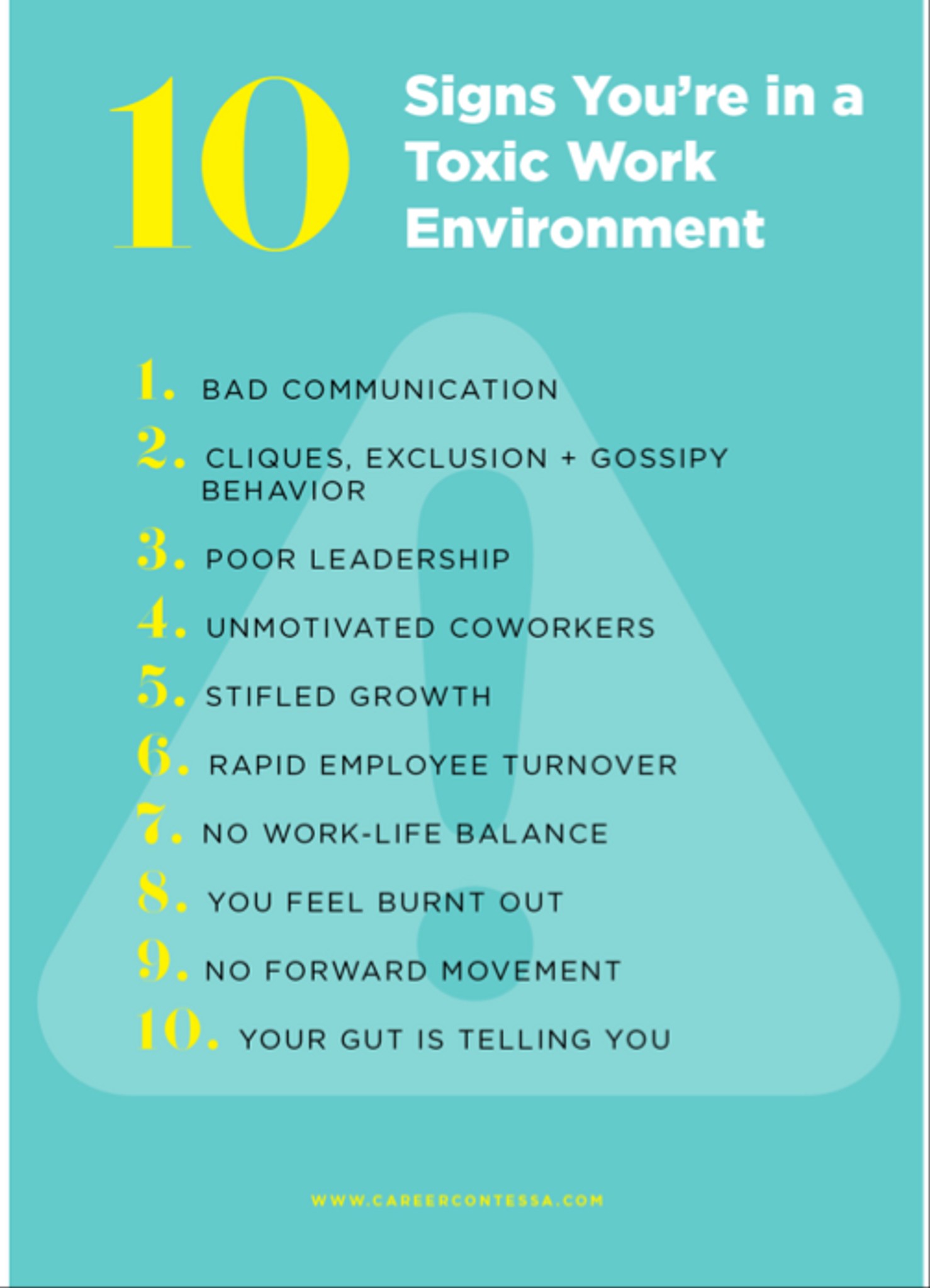
Are you in a toxic environment?


Enthusiast
What you didn't know about engineering...
Additional Posts in Law

Chief

Pro
Pro
Pro
What is the lateral hire process like?
What’s the word on Foley Hoag LLP?
New to Fishbowl?
Download the Fishbowl app to
unlock all discussions on Fishbowl.
unlock all discussions on Fishbowl.


OneNote has revolutionized my practice. I set up a notebook for each case, and then have all my materials in it. Recently went to a federal jury trial with a OneNote trial notebook and it was so great.
I’m going to try this. I haven’t used One Note since law school!
I do mostly appellate and briefing work so I create a new folder for every case I work on and folders within each for various issues. All caselaw goes in there and write notes on the pdfs as I would on paper. Save all drafts as pdfs and make corrections/edits with the Apple Pencil as I would have on a printed version
I’m trying to get into the practice because the flipping back and forth through a legal pad isn’t working for me. But I can’t find the right system to do what I need it to for my day to day
As of right now I use digital planners with goodnotes but I need to customize the planner
Every time you take a call, open up a new message in your inbox and send it to yourself. Put the date, case, and who you talked to in the subject line.
I have an iPad also but it was an extra step and extra device that didn’t work for me.
This is a great suggestion. I would also add to make sure you have folders and possibly sub folders for each case in your email so you can easily move and organize messages.
Trello or Monday.com kanaban board is life-changing.