

Related Posts


What's a guilty pleasure you indulge in at work?


Conversation Starter
More Posts
Any good agencies in San Diego area?
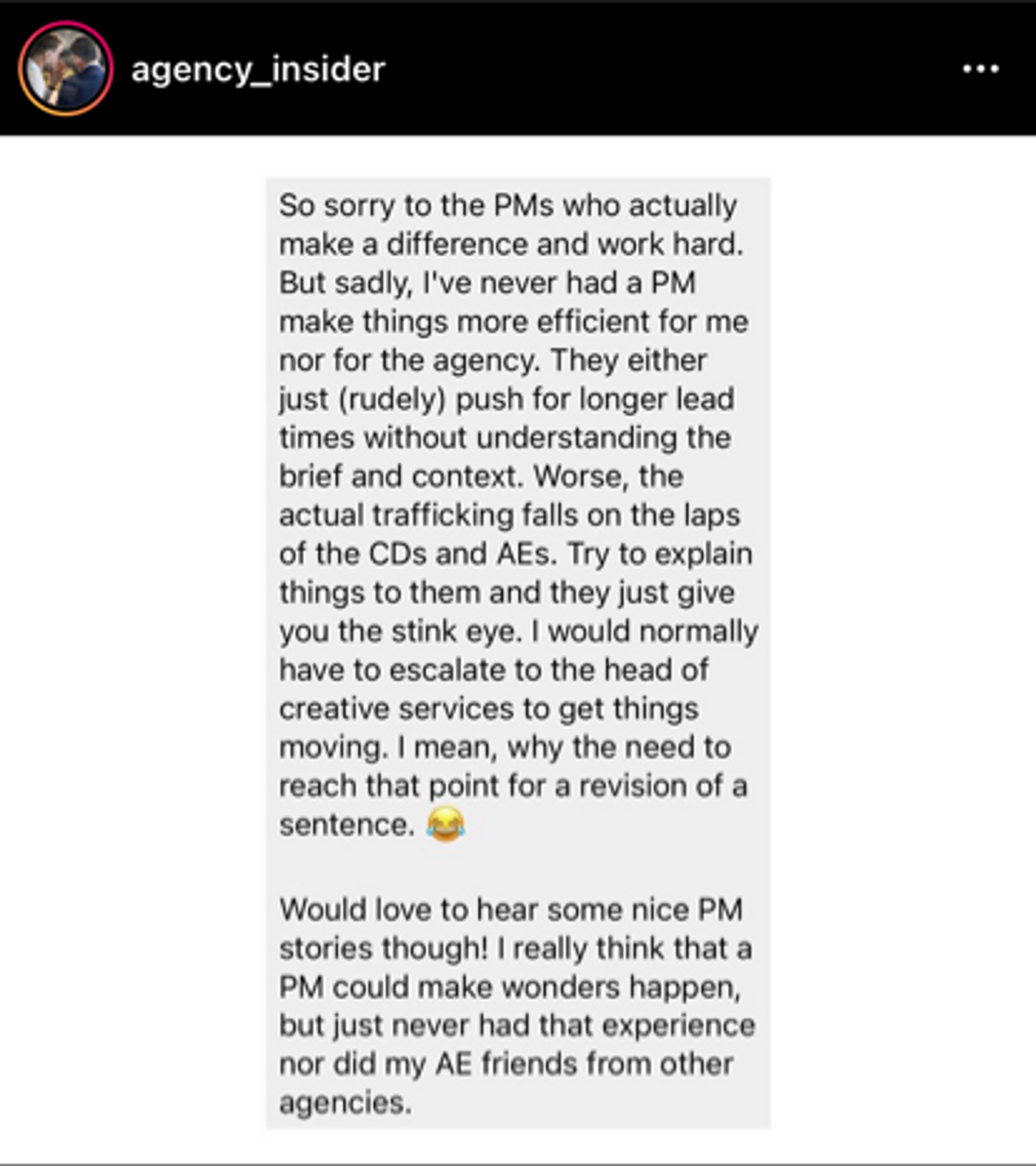
Love waking up to this trash take in my feed.

Conversation Starter


Coach
Coach
Trump is gone! How we all feeling?
Additional Posts in Consulting
Have you ever been chewed out?
New to Fishbowl?
Download the Fishbowl app to
unlock all discussions on Fishbowl.
unlock all discussions on Fishbowl.


Pen and Paper. 🤷
Woooow what is that? :p true sometimes the old fashioned way is best trade off.
2nd monitor
Look at getting a monitor arm as well, to save space on the actual desk
If on zoom, share the window and then 'pause' the share. It will keep that slide visible while you take notes.
Ooh didn't know that, awesome!
CONT I know there's ways to just share windows but I'm too scared something will mess up and they'll see all my secrets
There are some apps which allow you to hide your desktop and all applications except the one you want to share.
Any recommendations? I always worry about security on these random apps, I haven't seen any from a source I know.
If you’re using zoom or google meet, you can select an application or single browser tab to share. If you switch between windows while you’re presenting, the screen will either go black or completely fuzzy so they won’t see.
I’m fairly certain. I know it does in Meet and I’m fairly certain about zoom. Anything that lets you pick an app or window to present, vs your whole screen, will do this.
Alternately, you can always take notes the old fashioned way...with a notebook. 😁
Do your due diligence beforehand and ask who will be presenting / screen sharing, so you know. If you need to present and take notes, consider recording the call just for notes and then delete it after.
Ive had people fired for recording meetings without asking. EY’s policy is never to record a meeting, even though our client records meetings with us on occasion. I was with a different big 4 when the guy was fired for recording (and he was a young guy not even aware he wasn’t supposed to). Recording is a big deal. If you try and record the meeting on an outside item, you’ll likely get a lot of feedback within the meeting. Best to get a second monitor and work off your other screen.
For Zoom and I think WebEx, you can choose to only share a particular window/application.
You can ask a coworker to help you test it out for 10-15 mins to get this sorted out during an internal 1:1 (or maybe try it on your own using your work laptop / work phone / personal laptop).
You can ask a trusted coworker to say text you, or politely interject on the call if there is something inappropriate showing. I mean, that's just professional courtesy in any case, particularly when you're coming to the table on the same side.
Lastly, if you really need to take notes (as in you're the defacto notetaker), then it is okay to ask someone else to present. Or ask someone else to take notes. Then you can scribble a few handwritten notes and combine those with the official meeting notes.
In Zoom it's pretty hard to accidently share the wrong thing once you're set. It's best practice to always ask, can you see my screen at the beginning of the call. It's also best practice to close any windows/apps you don't need during a call where you are presenting. And definitely close anything confidential.
Once you're sharing the right screen, you have to stop sharing and share a new screen. It's pretty hard to accidently mess that up.
It sounds like you might be newer to presenting. If so, it gets less daunting and more routine the more you do it at your firm, with it's programs of choice.
If ever in doubt, just make sure all other programs are closed, and make sure your notes are kosher. It's a little embarrassing for someone to see your raw notes, but at the end of the day it isn't a big deal if it does someone happen (not likely) as long as they're professional. Don't make a big deal out of it and no one else will.
Share and take notes everyone can see- keeps people on track so much better. Insert comments on google slides / ppt as you go through the slides. Everyone looking at same thing including you.